

Interior design management software organizes the business work around a project: client information, selections, approvals, schedules, purchasing, and financial records. It serves a different purpose from a drawing or rendering tool. Choose it by the workflow your practice needs to control. Test a representative project before moving live records.
Our main software guide explains tools for developing design ideas. This article focuses on project administration and the handoffs that keep approved decisions connected to actual work.
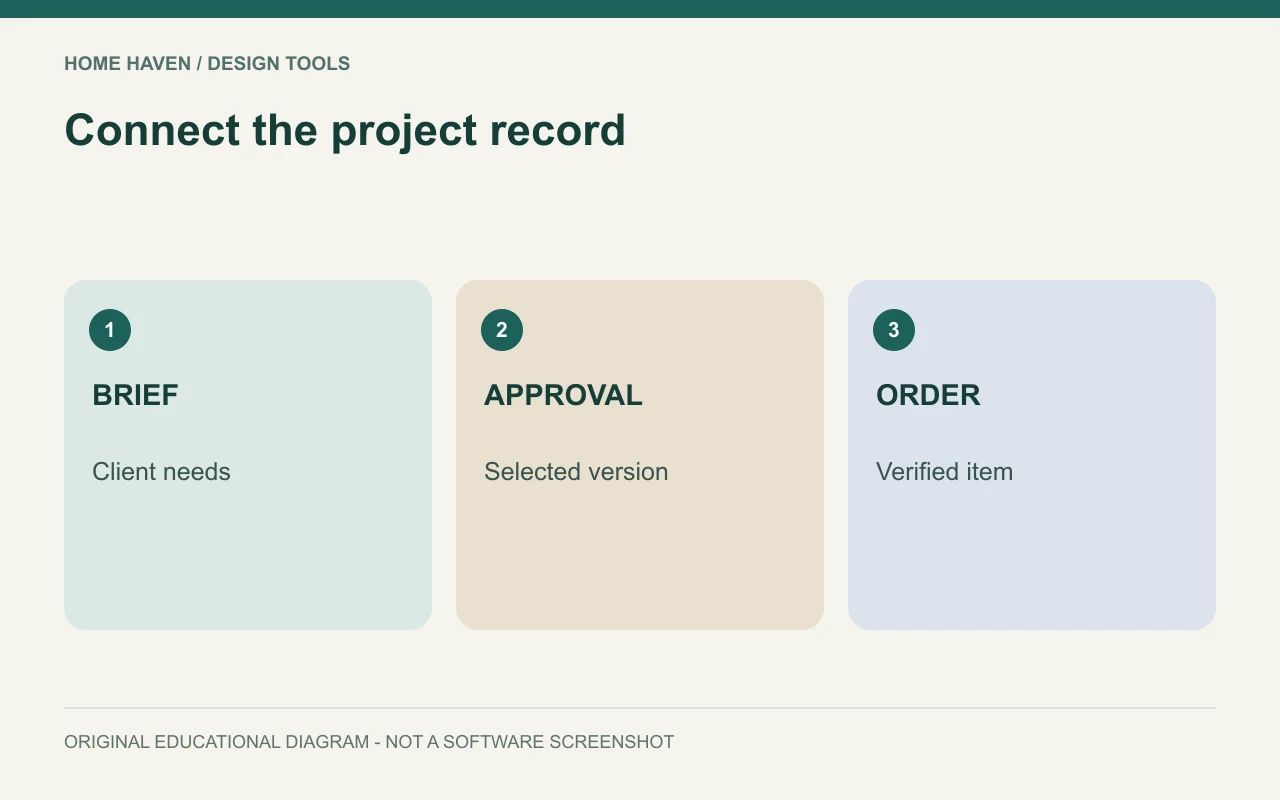
Map the workflow before comparing features
Write the steps from first inquiry to final handoff. Identify where information changes hands and where mistakes currently occur. You may need better selection approvals more urgently than another visual board editor.
For a small studio, a project might move through inquiry, brief, proposal, design, approval, purchasing, and installation. Your sequence may differ. The software should support the real process rather than force the team to maintain a second unofficial system.
Interior design management software: documented candidates
DesignFiles lists tools for design boards, questionnaires, client communication, task management, specifications, procurement, and invoicing. That makes it a candidate for a connected design-business workflow. Check the current plan and the particular functions you need.
Houzz Pro presents tools including selections, estimates, schedules, and floor plans. Investigate how its workflow matches your practice and what the relevant plan includes. A product overview is a starting point for evaluation, not evidence that every function suits your team.
These examples are not a performance ranking. Request a demonstration using your own sample process and ask specific questions about exports, permissions, and account terms. A polished demo can skip the awkward details that matter in daily work.
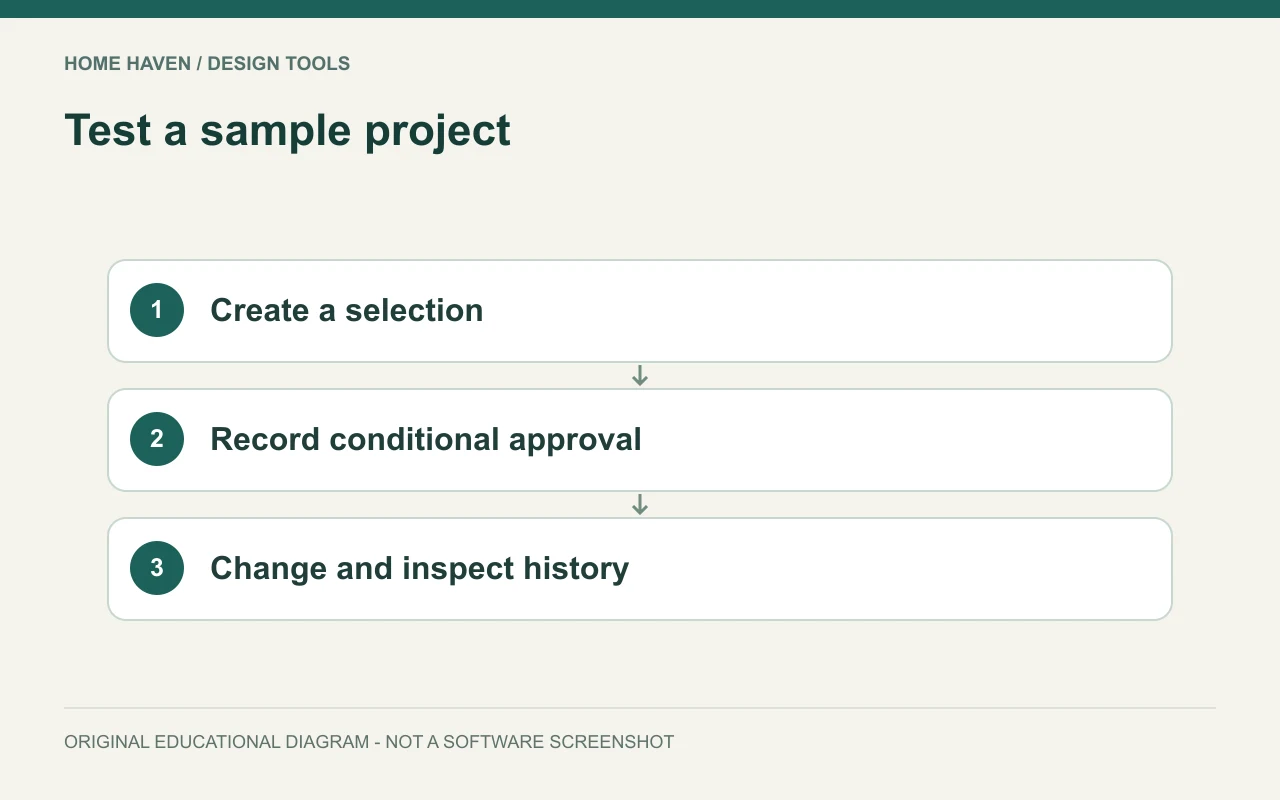
Create a sample project with realistic complexity
Use fictional client details and a small selection list. Include one approved item, one pending item, one substitution, and one delivery issue. Assign a task and move it between stages. This reveals whether the system keeps related information together.
Also test a correction. Change an item quantity or finish and check what updates automatically. Identify where a team member must manually revise another record. A connected-looking dashboard may still rely on several separate edits.
Make approval status unambiguous
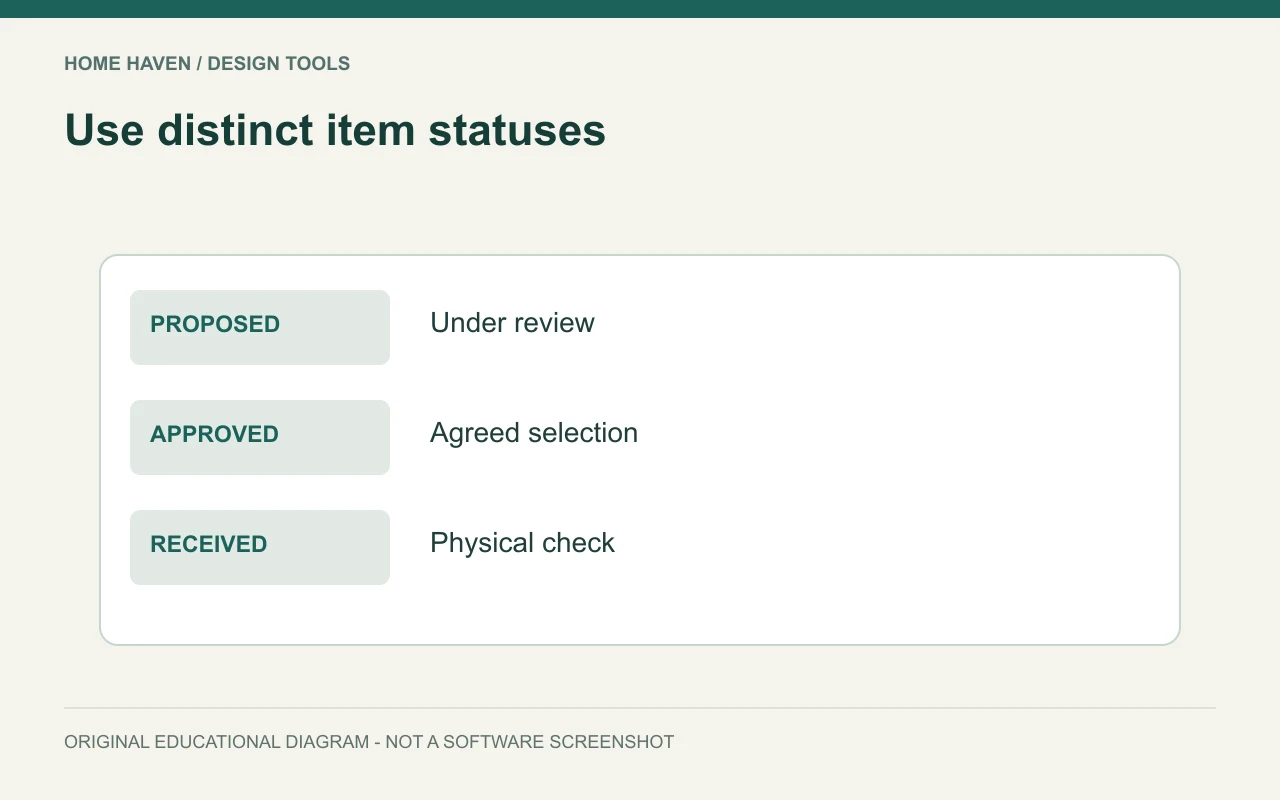
Distinguish proposed, client-approved, ordered, received, and installed items. These statuses describe different events. A client liking a mood board does not necessarily approve every product, quantity, and total cost.
Record who approved what, when, and against which version. Use stable item identifiers so an updated description does not erase the connection. Before ordering, verify the actual selected variant rather than relying on a generic product image.
Review procurement information
A useful purchasing record can include vendor, product code, quantity, finish, order date, expected delivery, and receipt status. Keep shipping and installation information visible where it affects the project. The precise fields depend on the practice’s responsibilities.
Do not assume a software status proves a physical item has arrived in good condition. Define who checks deliveries and records damage or discrepancies. Connect that observation to the item so the project team can resolve the issue without searching through messages.
Check financial connections carefully
Ask how estimates, invoices, payments, and accounting exports relate. Confirm whether an integration is one-way or two-way and which information it transfers. Test the actual fields with fictional records before relying on it.
Use appropriate accounting advice for the practice’s bookkeeping and tax requirements. The software may organize information, but its presence does not establish correct treatment. Keep permissions for financial records aligned with each team member’s role.
Evaluate client and team access
Check what clients can see and approve. Internal notes, vendor information, and working budgets may need different visibility from a presentation. Test a client view rather than assuming it matches the administrator’s screen.
For the team, assign the minimum access needed for the work. Review how the platform handles former employees or contractors, shared projects, and ownership of files. Avoid building the business around one person’s personal login.
Plan a controlled migration
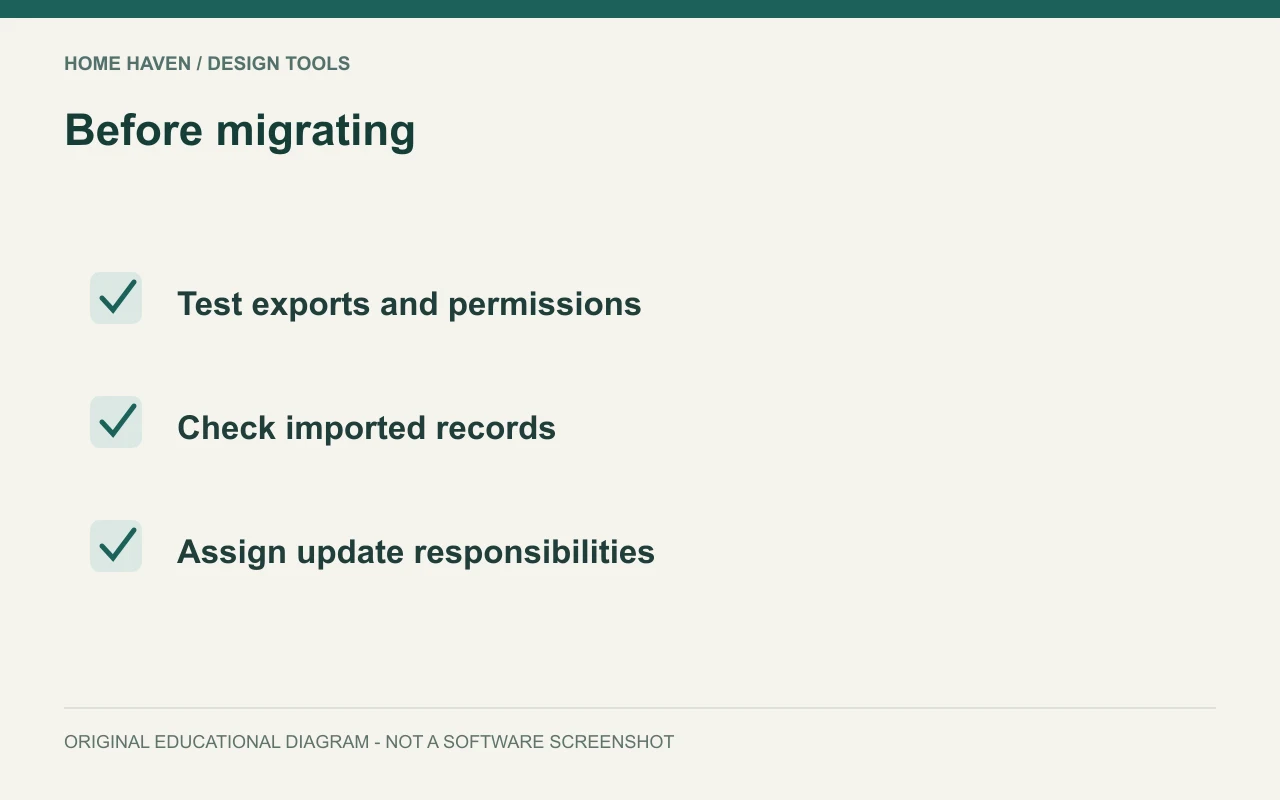
Begin with one new or low-complexity project after the sample test. Decide which information becomes authoritative and which older system remains an archive. Running two active approval systems without clear rules can create conflicting records.
Export a backup of existing information before moving it. Check imported quantities, product identifiers, contacts, and dates. Keep a short issue log and resolve important mapping problems before transferring the rest of the practice.
Compare the total operating cost
Include seats, plan level, optional features, integrations, payment-related charges where applicable, and the time needed for setup and training. Compare the actual USD billing terms, not only a promotional headline. Ask what happens to access and exports if the subscription ends.
A system earns its cost when it reduces errors or effort in a defined workflow. Set a few practical success measures, such as finding the latest approved selection without searching several channels. Avoid invented savings estimates that your own process has not demonstrated.
A sample approval test
Create a fictional chair selection, submit it for review, and record a conditional approval pending a fabric sample. Then replace the finish and inspect the history. Can the team tell which version the client reviewed? Can the purchaser see the unresolved condition? If not, define a clearer process before moving active projects into the platform. A simple exception can reveal more than a perfect demo.
Management software questions
Does a solo designer need a full platform?
Only if the workflow benefits justify the cost and setup. A small practice can start with a clear process and evaluate where a platform would remove repeated work or ambiguity.
Can management software replace a specification sheet?
It may generate or store specifications, but check the fields, version control, and recipient’s needs. A visually attractive record is not enough if key product information is missing.
Adopt the process you can maintain
Select the platform that supports clear responsibilities and reliable records. Finish a sample project, review the client view, and test exports before migrating. Keep the system useful by defining who updates each part of it.