

The best interior design apps are the ones that help you make a specific room decision on the device you actually use. A phone app can help collect ideas, while a measured planner helps you compare furniture footprints. A realistic image serves a different purpose again. Start with the task, then compare two suitable apps using the same room.
This is a comparison based on official product documentation, rather than a hands-on performance ranking. For the broader differences between room planners, modelers, and image tools, see our interior design software guide. Here, the focus is the everyday app workflow: entering information, changing a layout, and sharing a useful result.
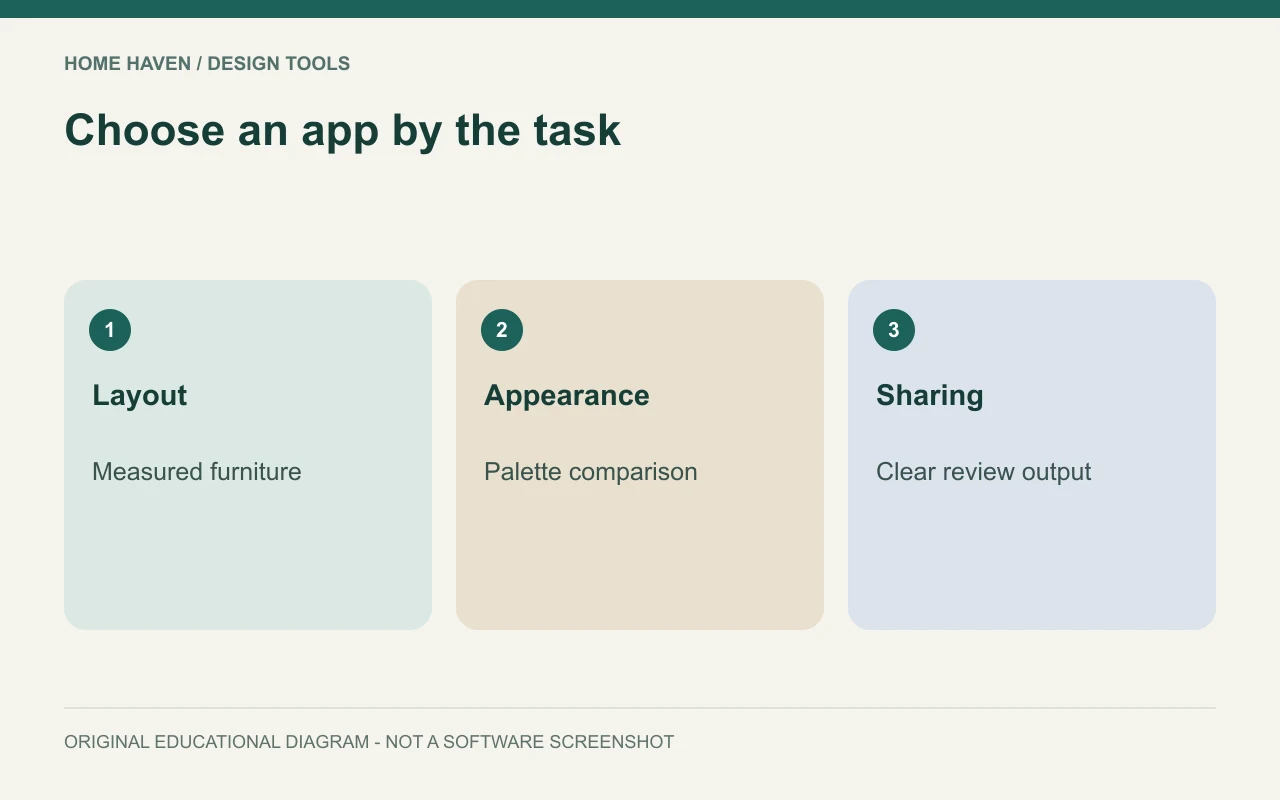
Match the app to the room decision
Write a sentence describing what you want to learn. For example, you might need to decide whether an existing desk can share a bedroom with a queen bed. That question calls for measured furniture and a plan view. Collecting photographs of attractive bedrooms will not answer it.
Alternatively, you might already have a workable layout and want to compare color directions. In that case, a visual board or image tool may help more than a detailed modeling system. Keep the layout decision and the appearance decision separate so you can judge each result fairly.
- Furniture fit: prioritize editable dimensions and plan views.
- Finish exploration: prioritize organized palettes and consistent comparisons.
- Custom shapes: investigate modeling controls and learning resources.
- Shared decisions: check comments, exports, and access for other users.
Best interior design apps: documented options to consider
RoomSketcher documents floor-plan drawing on computers and tablets, furniture placement, and several visualization outputs. It is a candidate when the room layout is the main question. Confirm the subscription and output entitlements for the device you intend to use.
Homestyler describes web-based floor planning and cloud rendering alongside mobile design exploration. That makes it a candidate for visual development across different devices. Do not assume the phone workflow includes every control in the browser version.
SketchUp’s current plan comparison distinguishes web and iPad access from desktop modeling and documentation. Consider that family when custom modeling matters. Select the edition for the required workflow rather than choosing by the product name alone.
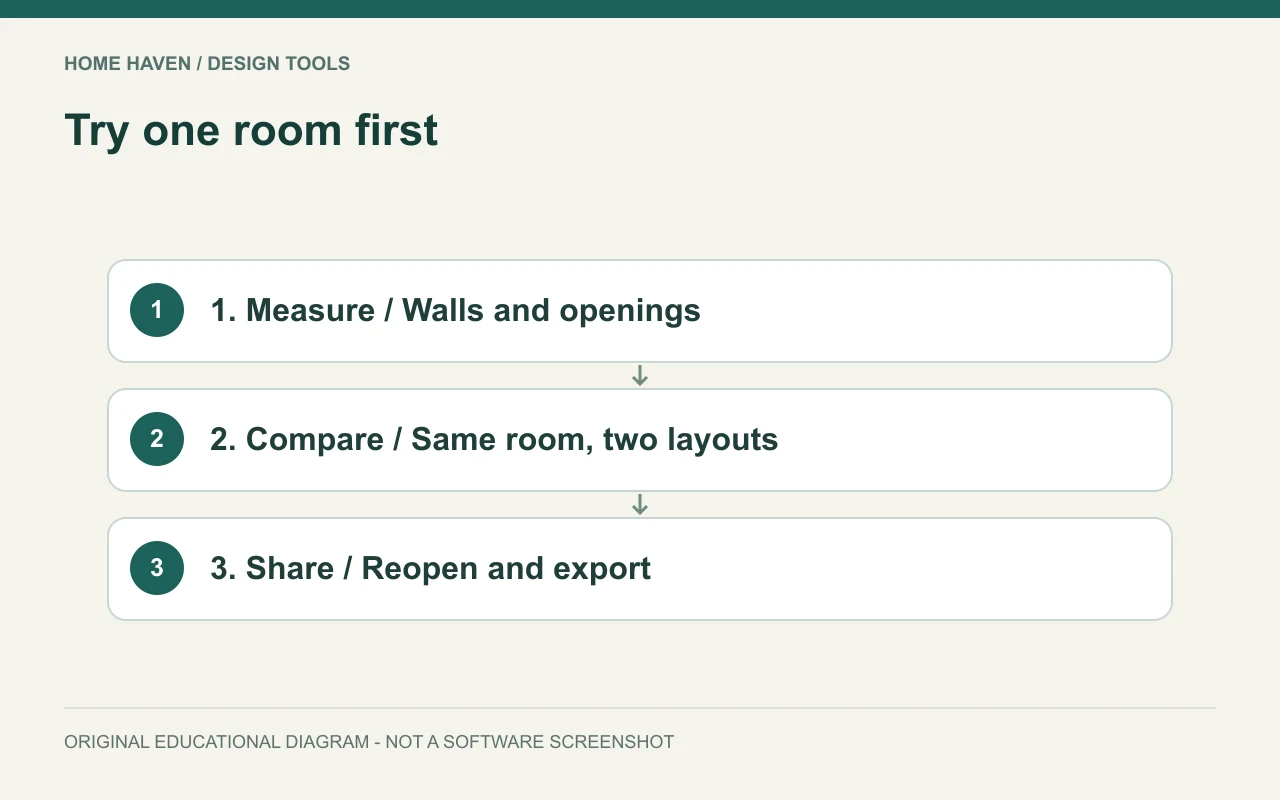
Run a small app comparison
Use a hypothetical 12-by-14-foot room, or measure one room in your own home. Add the door, windows, and one item you already own. Then try moving that item, changing its dimensions, and saving a second arrangement. The exercise should reveal whether basic editing feels understandable.
Next, reopen the project and share an output with someone else. Ask whether they can tell which arrangement they are seeing and what remains undecided. A clear, modest plan can serve this conversation better than a dramatic room image with missing dimensions.
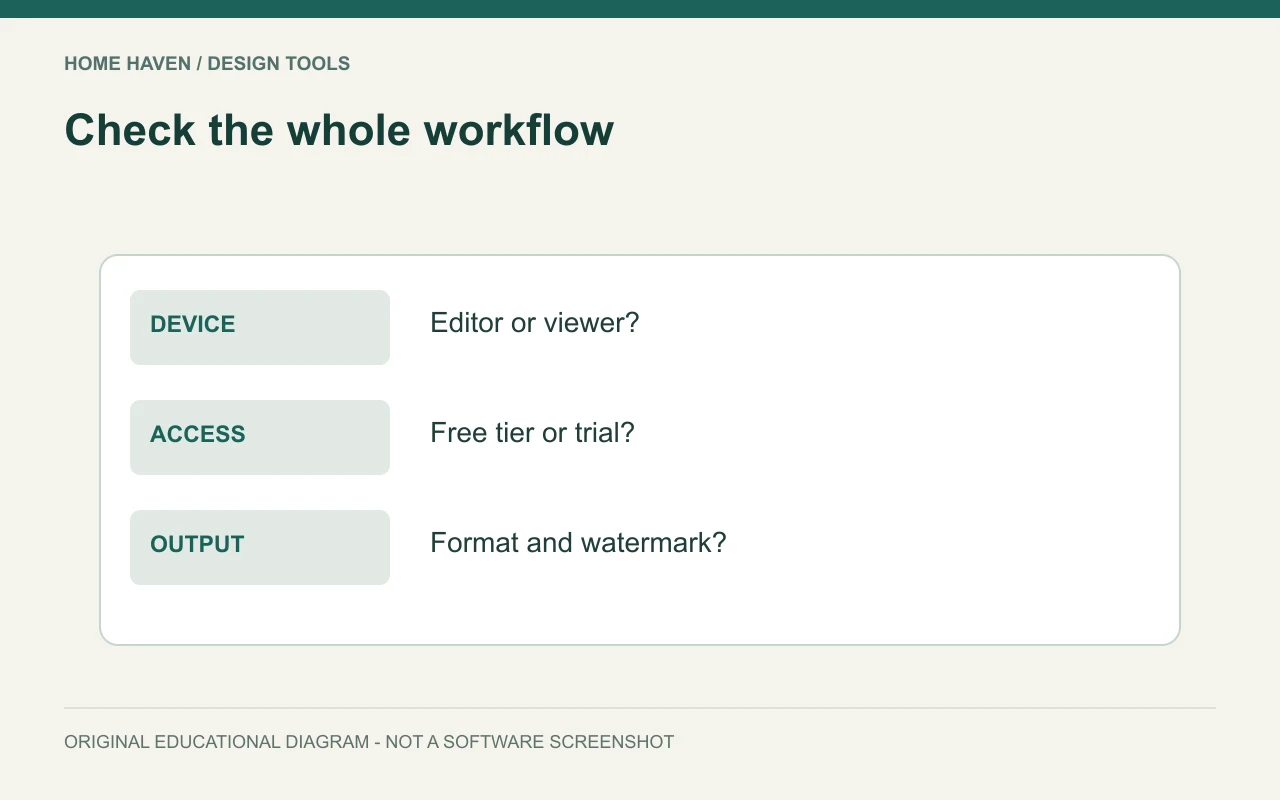
Check the device before the subscription
Confirm operating-system support, screen size, input method, and internet requirements in the current product documentation. A touchscreen-friendly viewer is not necessarily a full editor. Similarly, a browser account may offer different tools from a native app with the same branding.
Think about where the work happens. You may collect measurements on a phone but prefer a larger screen for arranging furniture. Test that transfer before committing to a whole-house project. Re-entering the same information in several disconnected apps can create avoidable errors.
Understand what free access includes
A free interior design app may let you begin a project while charging for specific exports, assets, or continued access. Check the final output you need, not just the download button. A no-cost viewer and a no-cost editable planning account are different offers.
Make a short cost record in USD. Include the billing period, any minimum term, optional output credits, and the cost of the plan you would actually need. Avoid comparing an annual plan’s monthly equivalent with a true month-to-month price without noting the difference.
Keep measurements outside the app too
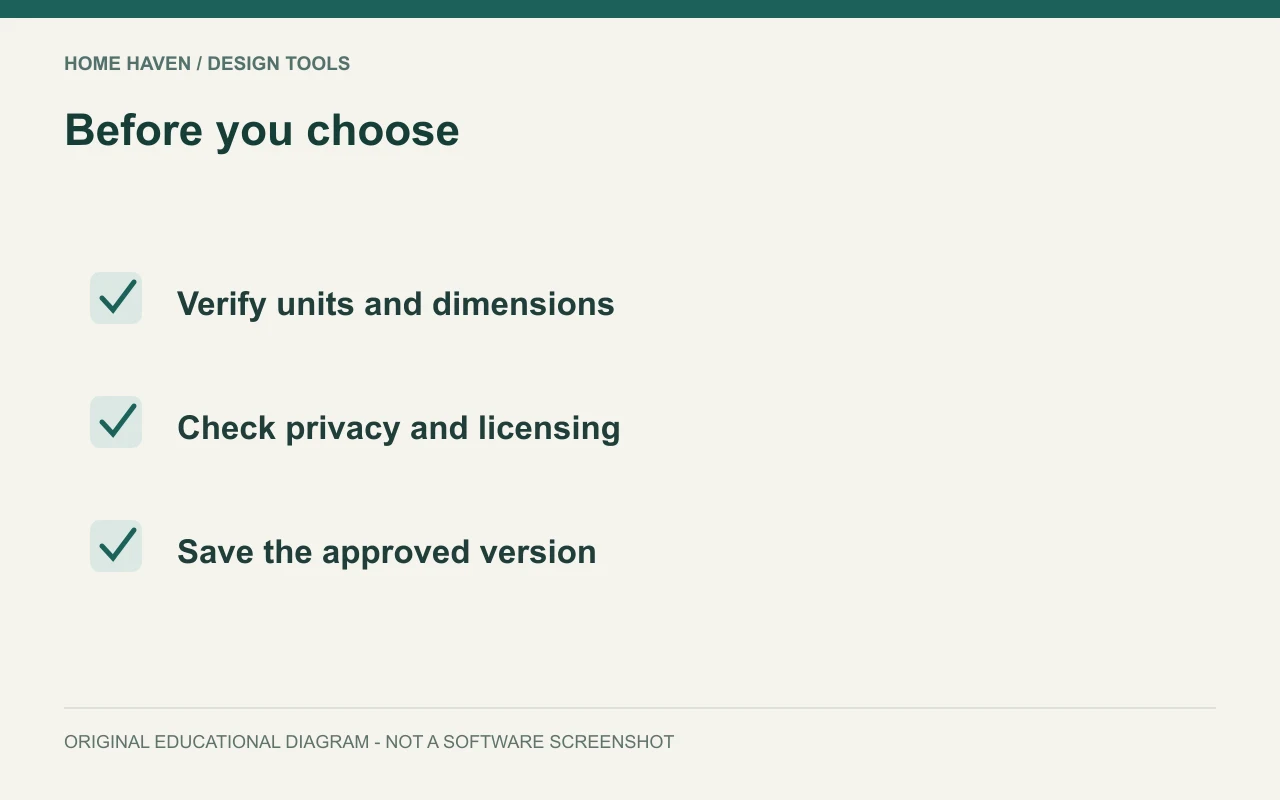
Record room measurements in a separate sheet with units and a date. Include wall lengths, openings, and fixed features. If a scan or imported plan provides the starting geometry, verify important dimensions before using it for purchasing decisions.
For example, a room model might show a cabinet fitting against a wall while omitting the baseboard or a projecting handle. Check the real product’s complete dimensions and opening movement. Software helps organize the question; the existing room and product information supply the evidence.
Review privacy and sharing settings
Room photos can reveal family photographs, paperwork, and other personal details. Remove unnecessary information before uploading them, especially when testing a service you may not keep. Review the service’s current privacy and sharing controls rather than assuming an uploaded project stays private.
For household collaboration, agree on one approved project version. Name alternatives clearly and record why you prefer one. Otherwise, an old screenshot can become the basis for a purchase after the layout has changed.
Avoid choosing from the gallery alone
A vendor gallery shows possible output, but it does not demonstrate how quickly a beginner can reproduce their room. Look for help material that matches the exact app and edition. Then test the small actions you will repeat most often.
Do not treat a missing catalog item as a reason to abandon an otherwise useful tool. A simple object with the correct width, depth, and height may be enough for layout testing. For detailed product representation, check whether the app supports suitable models without sacrificing measurement accuracy.
Questions before choosing an app
Can a phone app replace a desktop workflow?
Sometimes, for a limited planning task. Confirm that the phone version lets you edit the information and export the result you need. Viewing a project is not the same as developing it.
Should you pay for the most realistic images?
Only when that output helps the decision. Resolve furniture fit first. Then pay for a clearer presentation if the added detail has a practical purpose.
Choose one app for one useful result
Shortlist two candidates, repeat the same room exercise, and keep the one that makes your next decision clearer. Save both the measurement record and the approved output. Add another tool only when a specific missing feature justifies the extra work.