

An interior design spec sheet template keeps product information, quantities, finishes, and approval status in one consistent record. It helps connect the design proposal to sourcing and implementation. Use stable item identifiers and clear revision control. Then verify the actual product details before anyone orders.
Our interior design software guide explains tools for planning and visual communication. A specification record adds the precise selection information that an attractive room image may not contain.
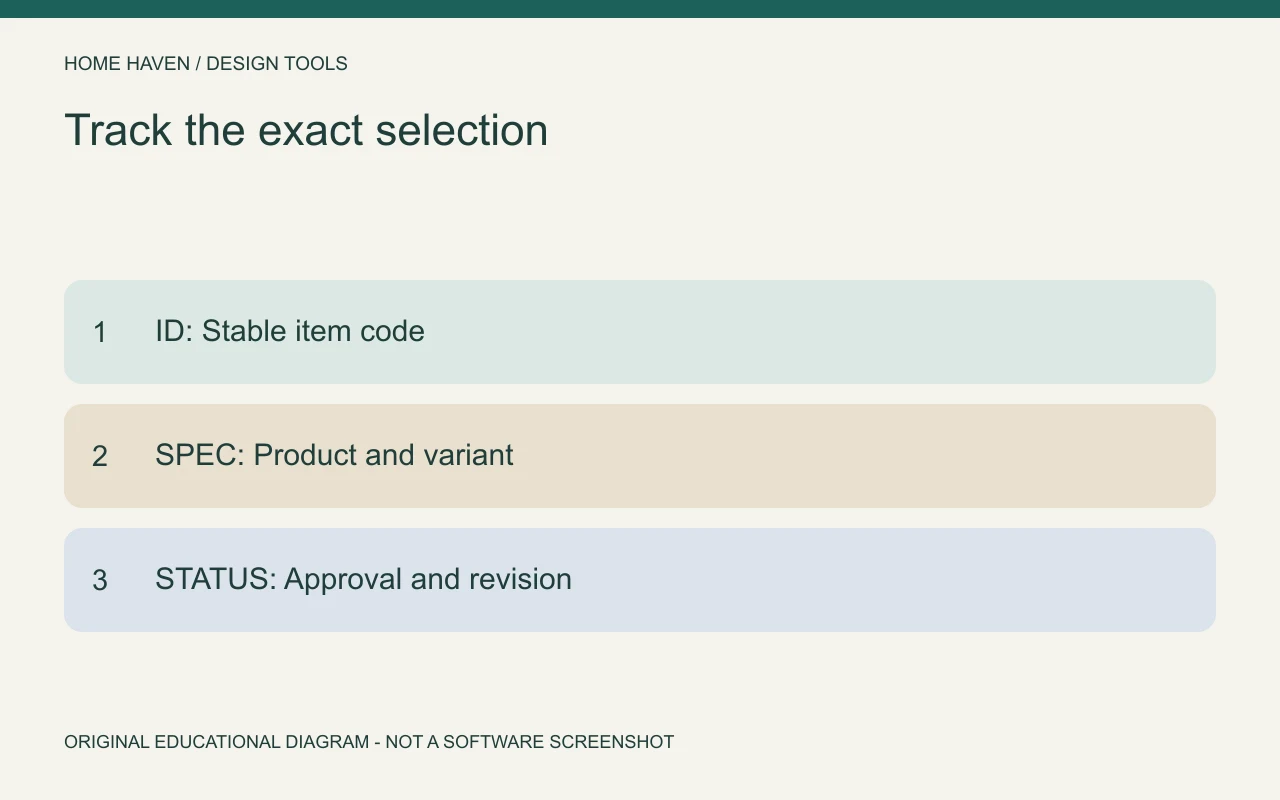
Decide what the sheet controls
A furnishing selection sheet may identify a sofa, rug, and table. A more technical specification may require performance information, installation coordination, and qualified project input. Define the sheet’s purpose before copying a generic layout.
Do not describe a simple product checklist as a complete technical specification. The level of detail should match the project responsibilities and recipient’s needs. Identify information that requires manufacturer confirmation or professional assessment.
Interior design spec sheet template: essential fields
Use one row per distinct item or variant, or one clearly structured page per item. Keep the identifier visible in every related drawing, presentation, and order record. The following fields form a practical furnishing starting point.
- Item ID and room or location.
- Product name, manufacturer, vendor, and product code.
- Exact size and relevant dimensions with units.
- Selected finish, color, material, and variant code.
- Quantity and unit of measure.
- Product source link and date checked.
- Known price and separately tracked additional costs.
- Lead-time or availability information and date checked.
- Approval status, approver, date, and conditions.
- Revision, change note, and superseded information.
- Related drawing or presentation reference.
- Outstanding questions and responsible person.
Use identifiers that survive product changes
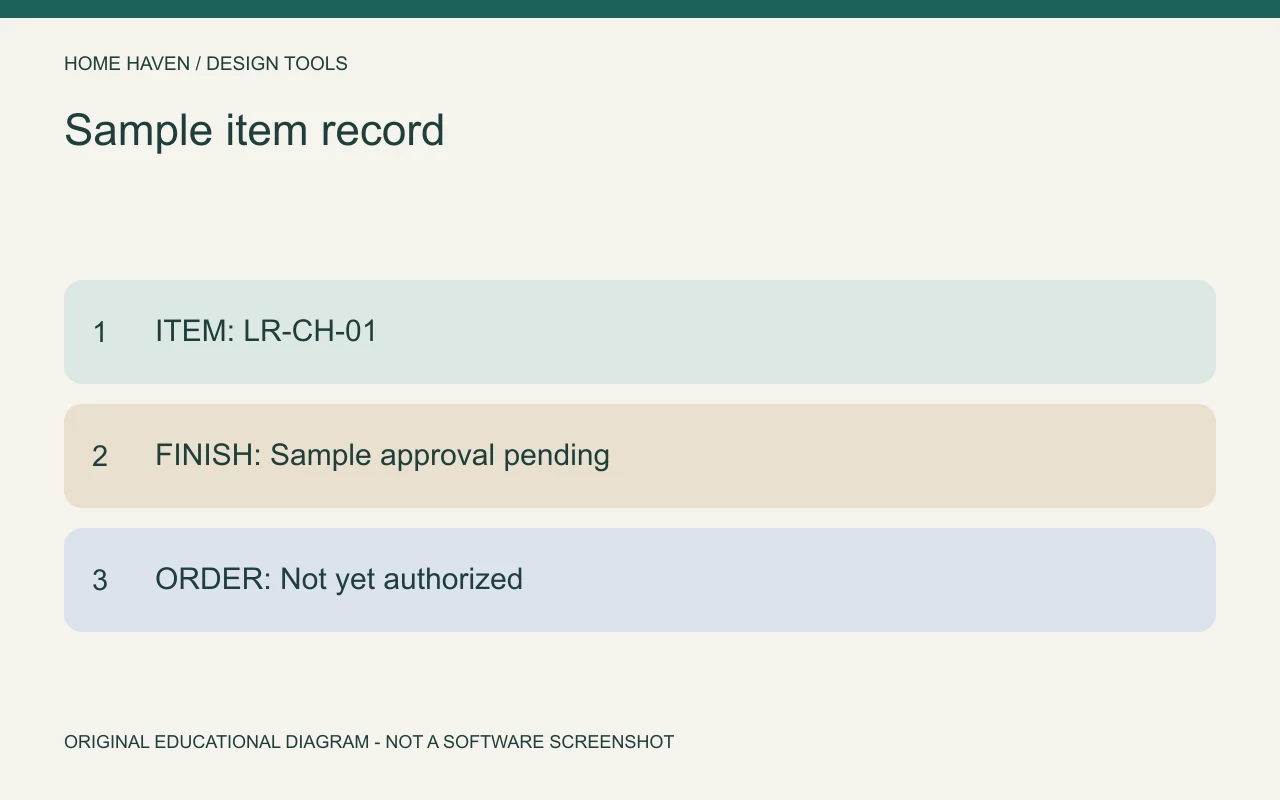
Choose a stable code such as LR-CH-01 for a living room chair. Keep that identifier while the selection develops, and record changes to the product separately. If the code changes with every revision, comments and approvals can lose their connection.
Avoid using a photograph as the only identifier. Similar-looking products can differ in size, material, and price. A manufacturer name and exact product or variant code provide a stronger purchasing reference.
Record dimensions with a clear meaning
State whether dimensions describe overall width, depth, height, seat height, or another relevant measurement. Use feet and inches or another explicitly stated unit consistently. Do not mix approximate dimensions from a mood board with verified manufacturer information.
For a cabinet or chair, consider projecting parts and movement where they affect fit. The sheet can identify the product dimensions, while the plan checks the relationship to the room. Neither record should silently substitute for the other.
Separate finish names from finish codes
A phrase such as natural oak may describe several products. Record the specific manufacturer finish code where available and link it to a reviewed sample. Identify whether a sample is requested, received, or approved.
If a custom finish is involved, record the agreed reference and who confirms the result. Avoid relying on a screen image alone for a critical match. Physical materials and lighting can affect the appearance even when the digital image looks consistent.
Keep cost and availability current
Include the date you checked the product information. Distinguish a quoted price from an allowance or an old website listing. Track shipping, taxes, installation, and other relevant costs separately rather than hiding them in an unexplained total.
A lead-time note should identify its source and date. Do not treat a supplier’s estimate as a guaranteed arrival date unless the actual terms establish that. Recheck important information before purchasing, especially if approval and ordering occur weeks apart.
Sample furnishing record
Hypothetical item: LR-CH-01, living room reading chair. Product and vendor: to be selected. Overall dimensions: verify against manufacturer information. Finish: client sample approval pending. Quantity: one. Cost: USD quote pending.
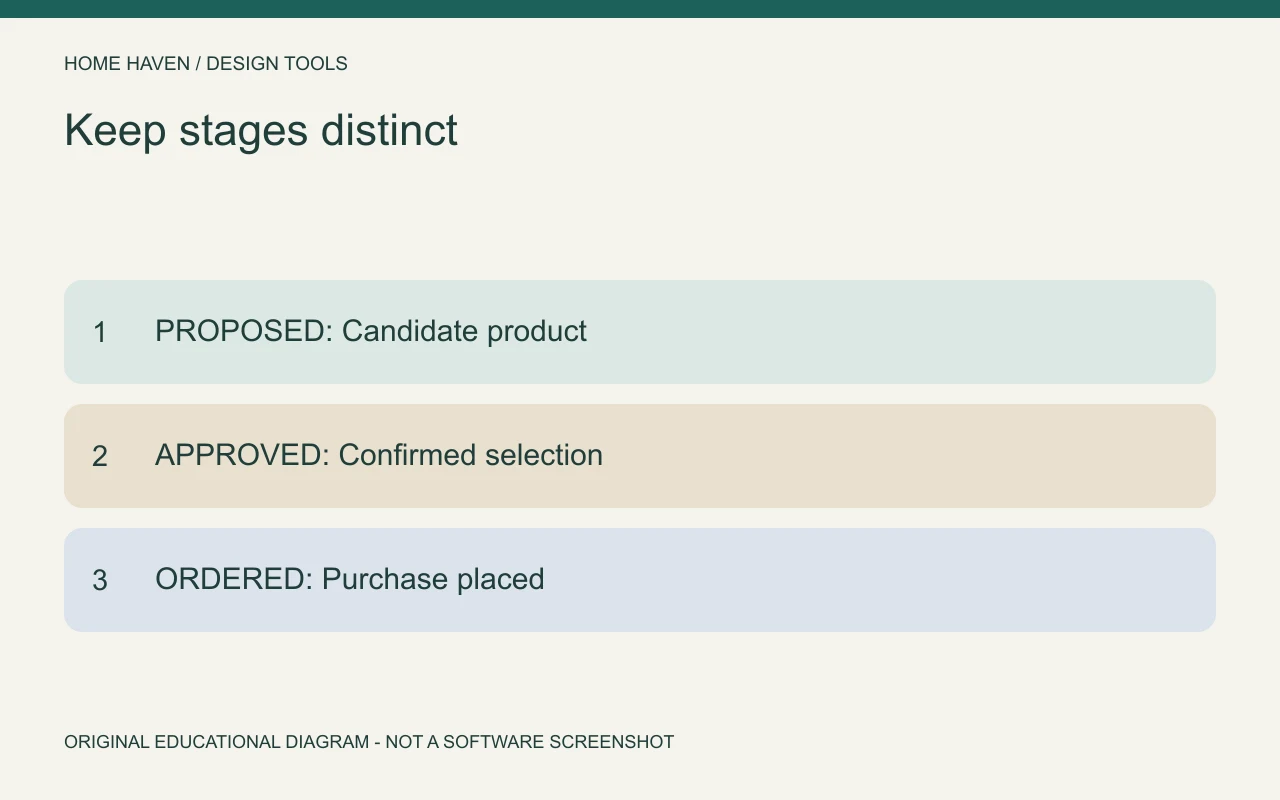
Status: proposed, not approved for ordering. Related reference: layout B, reading corner. Open question: confirm that the actual chair footprint and movement fit the room. Responsible person: assigned project contact.
This example uses placeholders deliberately. Replace them with verified details rather than inventing a product code or price. A visibly incomplete record is safer and more useful than a polished sheet containing assumptions disguised as facts.
Make substitutions traceable
When an item changes, record the previous selection, replacement, reason, and approval status. Review the effect on dimensions, finish relationships, cost, and timing. A substitute that looks similar may still affect the layout.
Notify the people who rely on the record and update related drawings or presentations where necessary. Keep superseded information identifiable so it cannot be mistaken for the current selection. Do not overwrite the approval history without a change note.
Choose a maintainable tool
A spreadsheet can work well when the fields and responsibilities are clear. A connected platform can help when several team members manage approvals and procurement. DesignFiles lists specification and procurement features among its business tools; investigate the actual exports and workflow before adopting it.
Regardless of platform, define who edits the sheet and who approves changes. Check an exported sample with the recipient. A system that looks organized internally may still omit information a vendor or installer needs.
Review before issue and before ordering
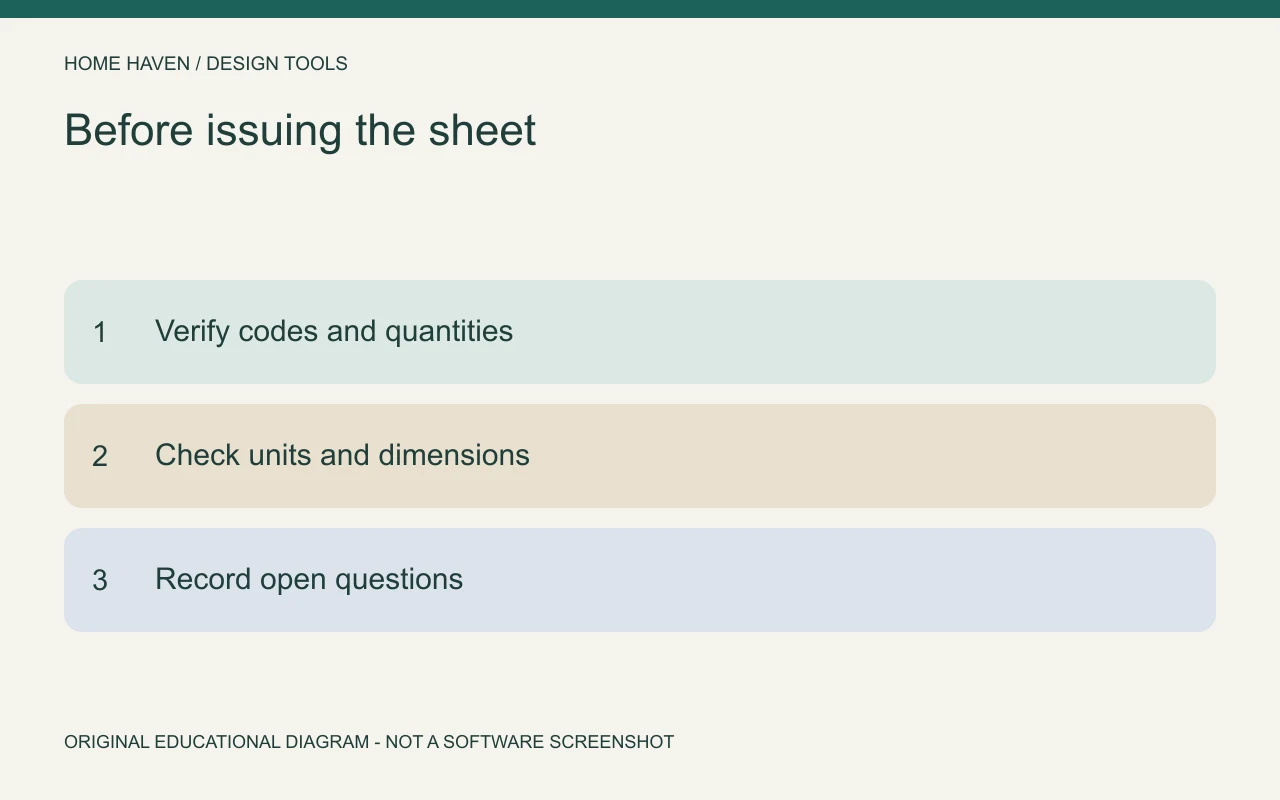
Check identifiers, quantities, units, variant codes, links, and status. Confirm that the issued version matches the approved selections. Mark unresolved items clearly and identify who will resolve them.
Before ordering, repeat the checks that can change: product availability, cost, delivery, and any client conditions. Design approval and purchasing readiness are related but distinct. Keep that distinction visible in the record.
Specification questions
Is a spec sheet the same as a shopping list?
A shopping list may name items, while a useful spec sheet records the exact selection, dimensions, status, and references. The required detail depends on the project and who will use it.
Can one sheet cover every item?
A summary table can organize a small furnishing project. More complex items may need separate information and qualified coordination. Do not compress important requirements merely to keep everything on one page.
Keep the approved item identifiable
A strong specification record makes it possible to trace the selected product from design to order. Use stable codes, verified information, and visible revisions. That discipline matters more than decorative formatting.