

An interior design portfolio template should explain your design decisions, not simply arrange attractive images. Give each project a clear brief, identify your role, and show the reasoning behind the result. Use a consistent page system so readers can compare projects easily. Credit collaborators and label conceptual work accurately.
Our interior design software guide explains tools for developing plans and visualizations. Your portfolio should distinguish those working outputs from photographs of completed interiors.
Choose the reader before the page style
A potential employer may want to understand your contribution, technical skills, and collaboration. A homeowner may focus on the kinds of problems you solve and how you communicate. Decide who the portfolio serves before selecting its length and detail.
Do not ask every page to serve every audience. Keep a master collection, then choose the projects and information relevant to the specific opportunity. A focused selection can explain your abilities more clearly than a large archive.
Interior design portfolio template: the page sequence
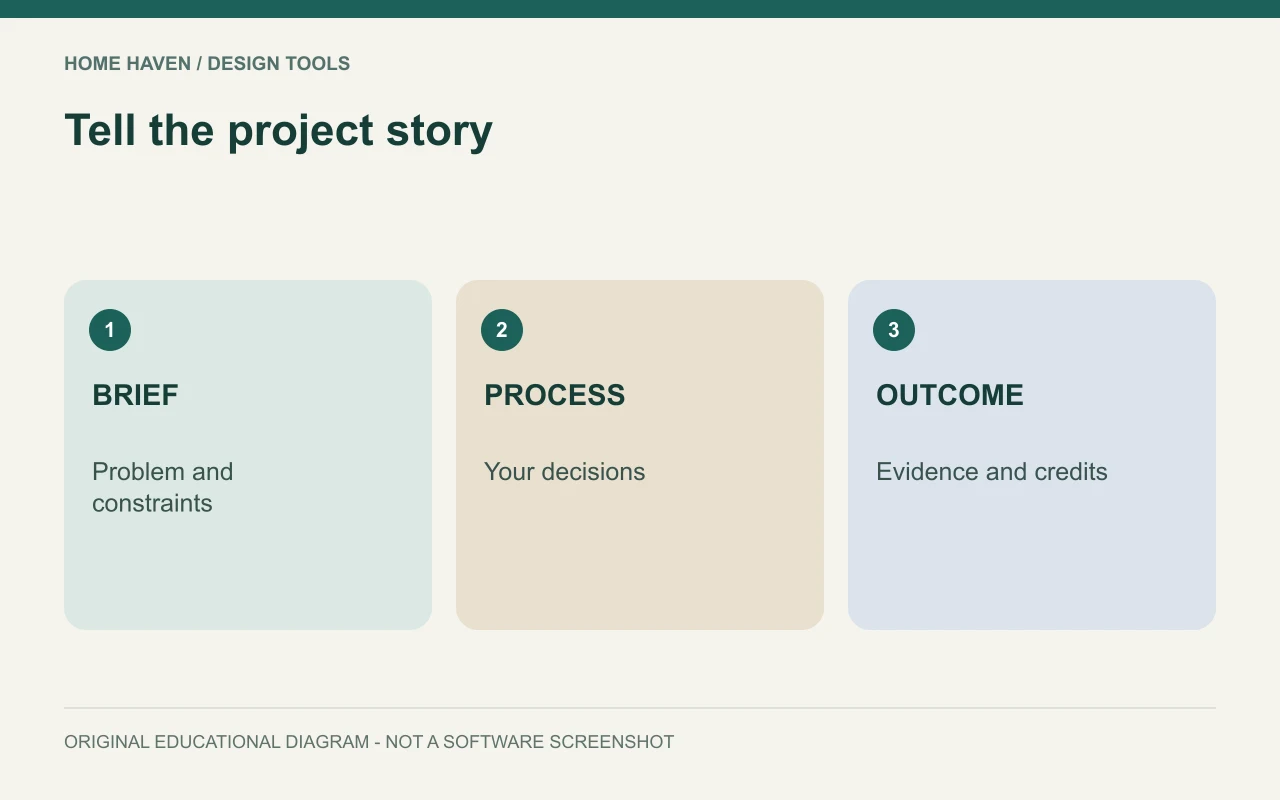
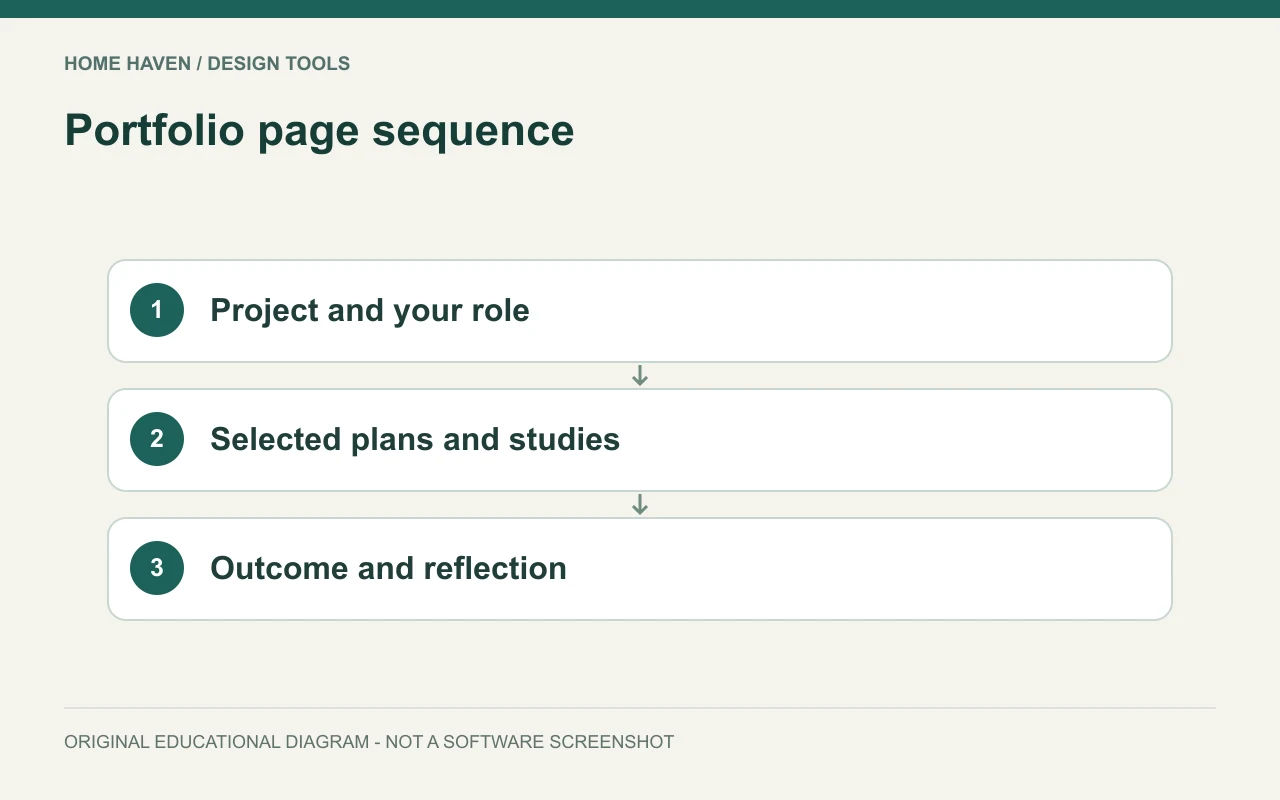
Use a repeatable structure for the core project story. The exact number of pages can vary with the project, but the reader should be able to find the brief, your role, process, and outcome. Use concise labels and a stable hierarchy.
- Cover: name or practice, portfolio purpose, and a restrained visual.
- Profile: relevant background, services or interests, and contact route.
- Project opener: title, project type, status, and your role.
- Brief: users, problem, constraints, and priorities.
- Development: selected plans, studies, and decisions.
- Outcome: completed images or accurately labeled proposal visuals.
- Reflection: what the evidence shows and what remains conceptual.
- Credits: team contributions, imagery, and relevant permissions.
Make the project opener do useful work
State whether the work is completed, in progress, academic, self-initiated, or hypothetical. Include the date or stage if it helps interpretation. This context lets readers understand the evidence they are seeing.
Describe your role precisely. You might have developed a furniture layout, produced renderings, or assisted with sourcing as part of a team. Do not imply sole authorship of the whole project when your contribution covered one portion.
Show the problem and the response together
Pair the brief with a plan or diagram that explains the challenge. For example, a small apartment project might show how a circulation route conflicted with storage. Then show the change that addressed that issue.
Avoid filling process pages with every sketch you produced. Select the studies that reveal a decision. A reader learns more from two alternatives and a clear explanation than from a dense collage with no stated conclusion.
Use drawings readers can understand
Crop plans deliberately and include a legend or note where symbols need explanation. Keep text readable at the actual viewing size. If dimensions matter to the story, show the relevant ones rather than shrinking an entire technical sheet into an unreadable thumbnail.
State when a drawing is diagrammatic or not to scale. A portfolio page can simplify information for communication, but it should not imply technical precision it no longer displays. Retain the original project records separately.
Build a consistent visual system
Choose a small set of type sizes, image proportions, margins, and caption styles. Use them consistently across projects. The template should make the work easier to scan rather than compete with it.
Canva’s portfolio tools offer a starting point for digital portfolio presentation. Whatever platform you choose, adapt the layout to your actual content. A template is a framework, not a reason to force every project into identical image boxes.
Label renders, AI images, and photography
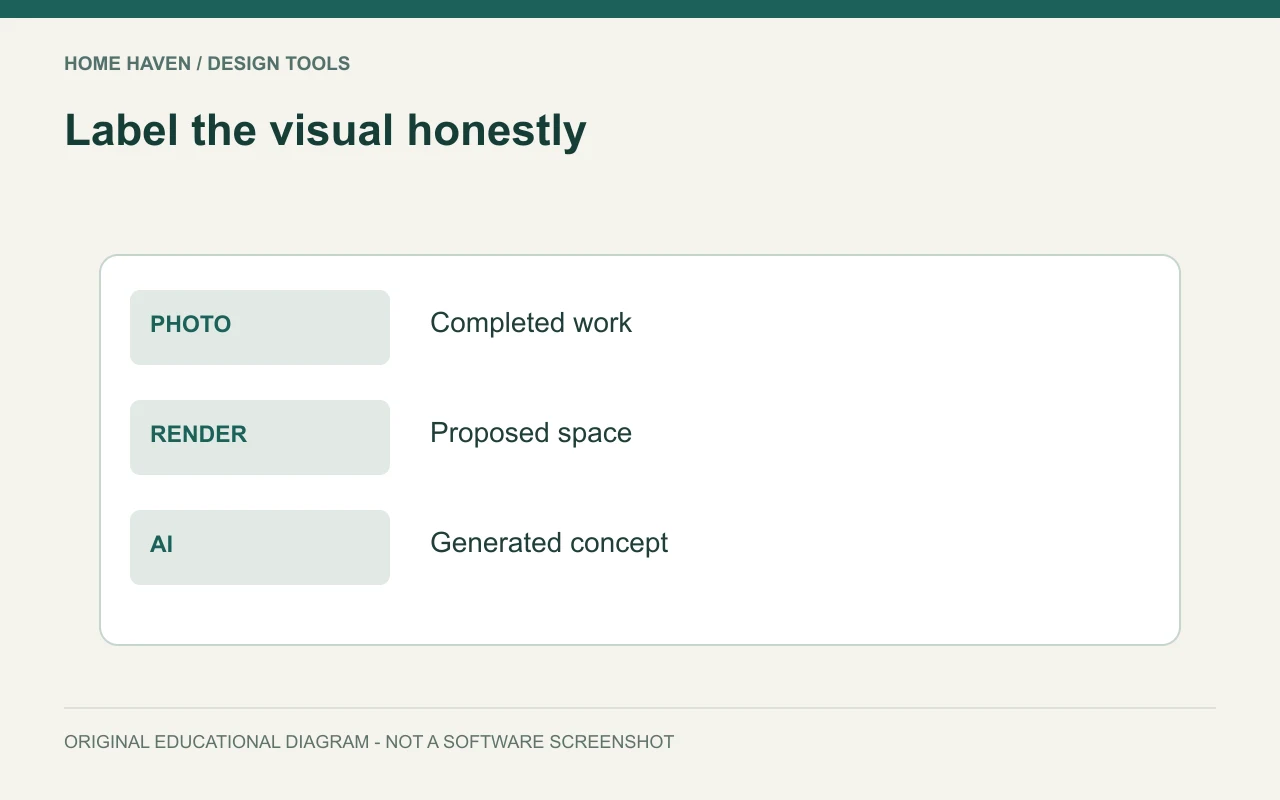
Identify a rendered proposal as a visualization and a completed-room photograph as a photograph. If an image uses AI generation or significant generative editing, disclose that method and your contribution. Do not present a hypothetical room as evidence of a completed client installation.
Also distinguish a material reference from a selected product. A mood-board image may illustrate an intended quality without documenting the final specification. Captions can communicate these boundaries without overwhelming the page.
Write captions that explain decisions
A useful caption says what changed and why it matters. For example: The revised layout moves storage away from the main route while retaining the existing sofa. That tells the reader more than elegant contemporary living.
Keep claims proportional to the evidence. If you did not measure user satisfaction, energy performance, or cost savings, do not invent a result. Explain the design intention and the observations you can support instead.
Check permissions and confidentiality
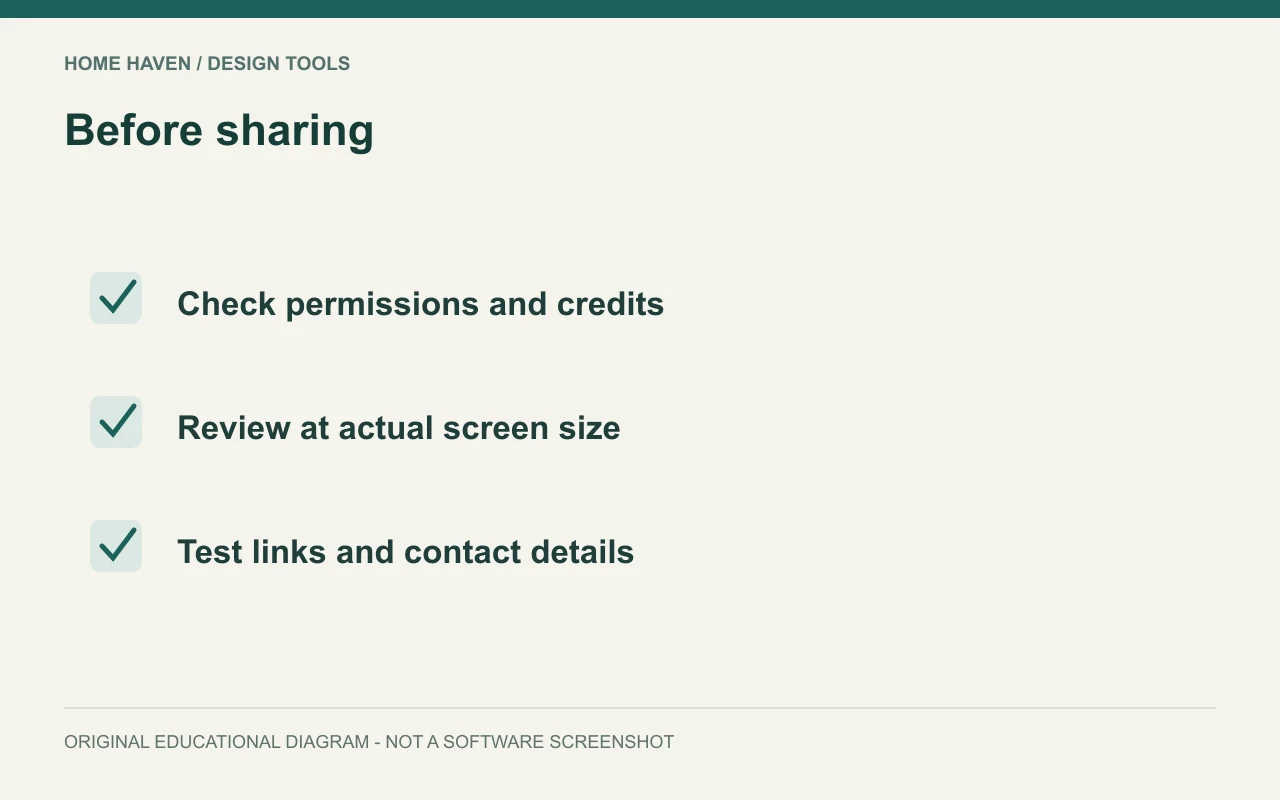
Confirm permission to display project photographs, drawings, and client information. A public project does not automatically make every image available for reuse. Check the relevant agreements and credits before publishing the portfolio.
Remove addresses, private documents, and sensitive details that do not help explain the work. When a project cannot be shown publicly, consider a permitted anonymized description or another project. Do not create a misleading substitute and imply it is the original result.
Export for the actual viewing situation
Review the PDF on a laptop and a phone if both are likely viewing devices. Check image sharpness, text size, links, file size, and navigation. A beautiful desktop layout can become difficult to read when sent as a small-screen attachment.
Keep an editable master and a dated issued version. Test the contact links and make the filename recognizable. Before sending to an employer or client, remove unrelated projects and verify that the final file matches the intended audience.
Portfolio questions
Can a beginner include self-initiated projects?
Yes. Label them clearly and show the brief, assumptions, and your process. Their value comes from the quality of the thinking, not an implication that a client commissioned them.
Should every project use the same number of pages?
No. Keep the visual system consistent while giving each project the space its evidence needs. Remove repetitive images that do not explain another decision.
Let the work carry the story
Build a template that makes your role and reasoning visible. Use strong evidence, readable drawings, and honest captions. Then tailor the final selection to the person who will read it.