

Technology can help reduce food waste when it solves a specific household problem: forgetting what is in the fridge, buying duplicates, missing leftovers or misunderstanding date labels. A shared list, a pantry tracker or an AI-assisted meal suggestion may make those habits easier, but an app cannot replace safe storage, good judgment or a shopping plan. Start with the simplest tool your household will actually use.
This guide compares manual and AI-supported options, explains what to check before sharing household data with an app, and gives a practical setup routine. It focuses on home use rather than generic food-waste advice. For the wider waste-reduction framework, see our Zero Waste Living beginner guide.
Match the tool to the waste problem
| Household problem | Useful tool | What it can do | What still needs a person |
|---|---|---|---|
| Forgetting pantry items | Shared notes or inventory app | Keep a list visible to household members | Update the list when food is used |
| Buying duplicates | Shopping list synced to a phone | Show what is already at home before shopping | Check the fridge and cupboards |
| Not knowing how to use leftovers | Recipe search or AI meal suggestion | Suggest dishes using ingredients you enter | Verify ingredients, allergies, cooking and food safety |
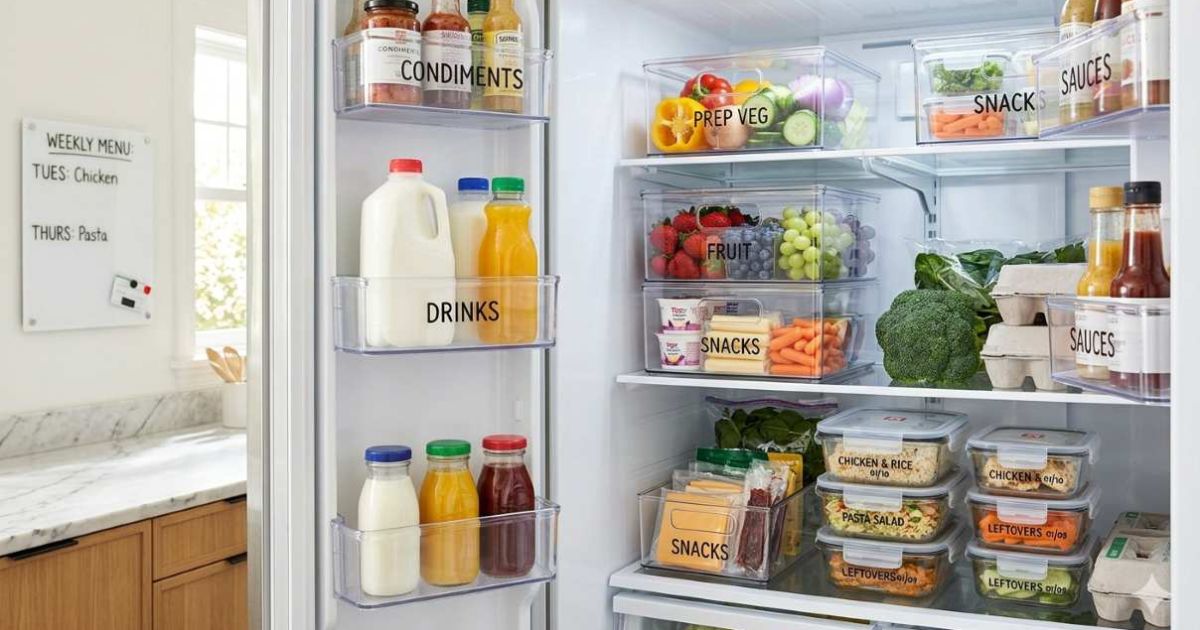
| Food is forgotten in the fridge | Calendar reminder or labeled “use first” shelf | Prompt a meal before food quality declines | Move food to the shelf and assess it safely |
| Confusing date labels | Official label guidance and clear storage notes | Explain what a date label means | Follow safety guidance; do not rely only on AI |
A free shared note may be enough for many families. More advanced systems can track pantry quantities, scan receipts, suggest recipes, or use a fridge camera. The U.S. EPA has identified apps, inventory management, smart appliances and refrigeration improvements as possible technology approaches to preventing consumer food waste. Their value depends on whether they help people buy, store and use food differently—not simply whether they use AI.
Use an AI food assistant carefully
An AI assistant can turn a list or photo of ingredients into meal ideas, suggest substitutions, or help plan a few meals around food you already own. To get a useful answer, tell it the ingredients, number of servings, time available, dietary needs and foods that must be used soon. Ask it to identify which items are optional and to avoid recommending ingredients you do not have. Treat the output as a recipe suggestion, not a food-safety authority.
AI can misread a package, overlook an ingredient, invent a shelf life or suggest a dish that does not account for safe handling. Confirm food-safety decisions with trusted government guidance and product instructions. Do not upload private information or identifiable household photos unless you understand how the service stores or uses them. For a low-tech alternative, write a short “eat first” list on the fridge and review it before shopping.
Set up a five-minute weekly system
- Before shopping, check the fridge, freezer and pantry.
- Add only missing items to one shared list.
- Move food that should be used soon to one visible shelf or container.
- Choose one or two meals that can use those ingredients.
- Record what regularly gets wasted and buy a smaller amount next time.
- Keep a manual backup list in case an app changes, loses access or becomes inconvenient.
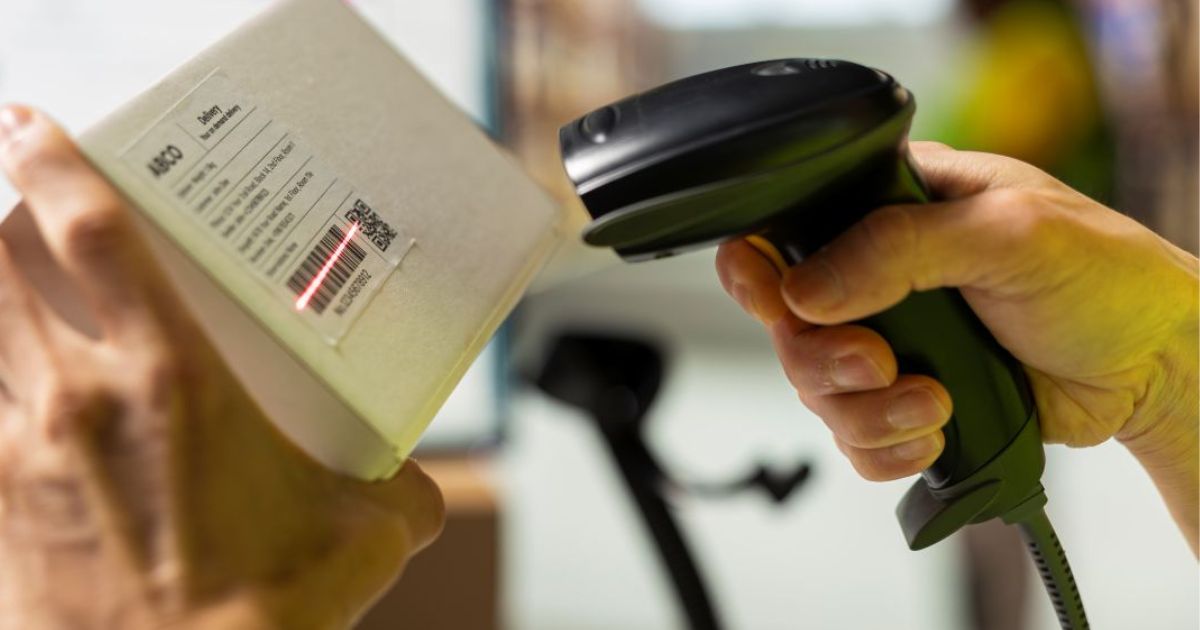
Use the tool to support a routine, not to create another chore. If a barcode scanner takes longer than checking the shelf, stop scanning. If household members will not update an inventory, use reminders or a weekly fridge photo instead. A simple approach that gets used consistently is often more useful than a feature-rich system that is abandoned.

Food date labels and the California change
Food-date labels can influence what households throw away, but laws and label meanings are not identical everywhere. California’s AB 660 standardized consumer-facing terms for quality and safety dates and, starting July 1, 2026, prohibits consumer-facing “sell by” dates on covered foods, with exceptions. The California Department of Food and Agriculture explains that “Best if Used by” communicates quality, while “Use by” communicates safety. This is a California rule; do not assume it applies in every state or that a date-label app can determine whether a particular food is safe.
Use official state and federal guidance when interpreting labels, especially for foods with specific safety requirements. Apps can store dates and send reminders, but the person using the food still needs to follow storage directions and discard food that is unsafe.
Protect privacy when choosing a food app or smart device. Check whether it asks for an account, stores photos or purchase history, shares data with advertisers, or requires a paid plan after a trial. A paper list or a shared notes app may solve the same problem with less setup. Review the tool’s units and date formats, especially if household members shop in different regions. Treat predictions as reminders rather than guarantees: a suggested recipe cannot confirm that an ingredient is fresh, and a notification cannot replace safe refrigeration or careful inspection. If a barcode scan fails, enter the item manually and use the package label or official food-safety guidance. Agree on one place where everyone records groceries and leftovers; split lists across multiple apps can create duplicate purchases. The best technology is easy to maintain, accessible to the people who cook, and useful enough that the household continues using it after the first week.
Frequently asked questions
Can AI really reduce household food waste?
It can help with inventory, meal suggestions and reminders, but results depend on accurate information and whether the household follows through. A phone note or weekly meal plan can work just as well for some homes.
Should I trust AI to tell me whether food is safe?
No. Use official food-safety guidance and storage instructions. AI may misunderstand a photo, date or food type, so do not use it as the final safety check.
Do I need a smart refrigerator?
No. A visible “use first” shelf, meal plan and shared list can address many of the same problems without buying an appliance.
Choose technology that earns its place
The best food-waste tool is the simplest one that helps your household use what it already has. Start with a list and a weekly check; add AI or connected features only if they solve a real problem. For more ways to reduce waste at home, read our Zero Waste Living guide.
Further reading: U.S. EPA: technologies that can help prevent food waste · California Department of Food and Agriculture: food date labeling · U.S. EPA: preventing wasted food at home.