

Smart home interior design integrates technology into rooms without making ordinary life harder. Begin with the routine you want to improve, such as adjusting lights, managing shades, or controlling entertainment. Then decide where devices, wiring, controls, and maintenance access belong. The best setup remains understandable to the household and its guests.
Start with a problem, not a product list
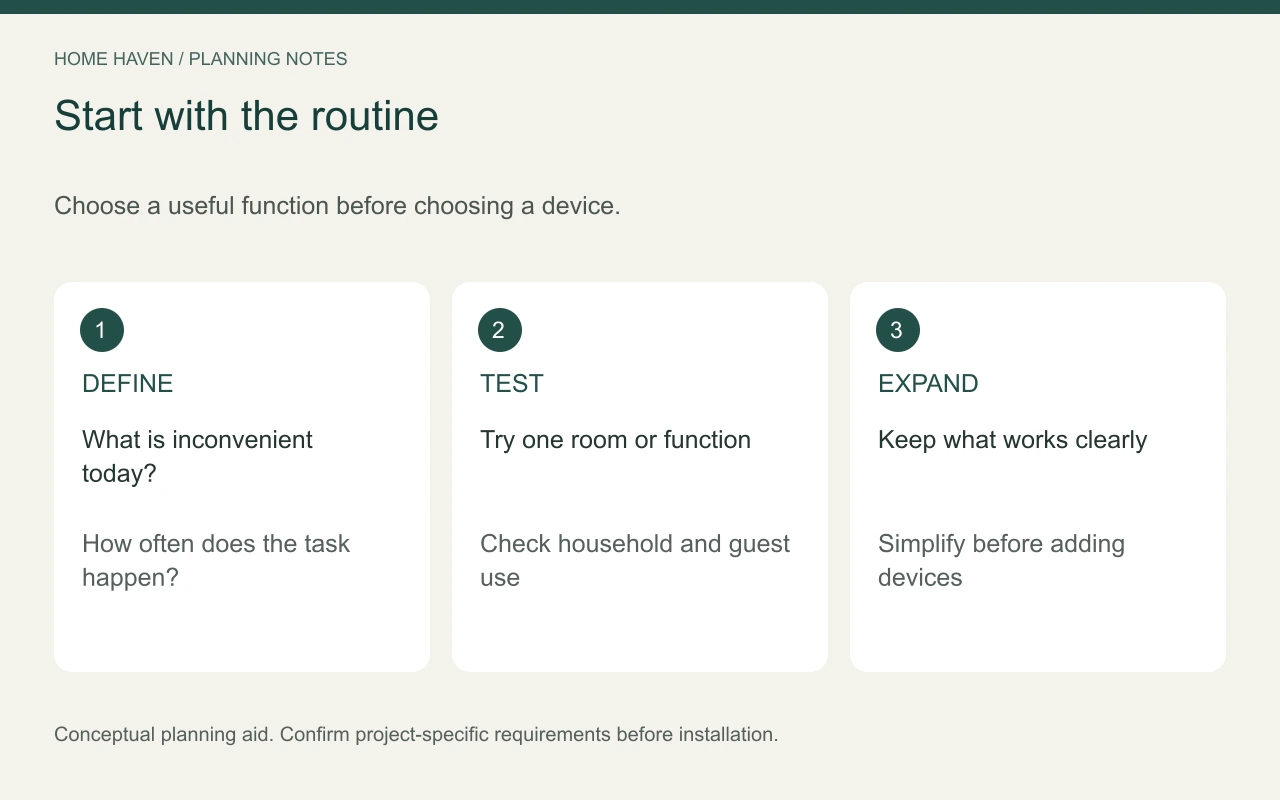
Write down the tasks that currently feel inconvenient. Perhaps a reading lamp is hard to reach, several lights need separate adjustments, or media equipment leaves visible cables. Describe the desired result before selecting an ecosystem or device.
Rank the tasks by usefulness and frequency. A daily lighting routine may deserve more attention than a novelty feature used once for visitors. Avoid installing technology merely because a room seems incomplete without something smart.
Use our space planning interior design guide to establish furniture and activity locations first. Technology should fit the measured room and routine rather than forcing furniture into positions chosen for cable convenience.
Make smart home interior design easy to operate
Decide how each function works for a person without the main household phone. Physical controls or another appropriate local method may be important for ordinary lighting and guest use. Verify the actual product behavior rather than assuming every device offers the same fallback.
Write a brief description of what happens if the internet, app, or central controller becomes unavailable. Test the equipment under the conditions the manufacturer supports. Do not assume that every connected product stops working offline or that every system works fully without internet access.
Keep common actions obvious
Use clear control placement and understandable labels where the system supports them. A guest should not need to discover an elaborate scene name simply to read a book. Choose the simplest reliable interaction that serves the household.
Coordinate lighting with the furniture plan
Locate reading seats, work surfaces, dining furniture, and circulation before choosing control zones. Then decide which lights need to operate together and which should remain independent. A single whole-room scene may not suit simultaneous activities.
Check that proposed lamps, controls, and dimmers are compatible. Product descriptions and installation instructions matter more than a shared marketing term. Ask a qualified electrician about permanent wiring, load compatibility, and installation requirements.
Test glare and brightness with real finishes. A connected lighting system does not automatically improve the visual experience. The fixture, shade, placement, and room surfaces still determine whether the light serves the task.
Plan discreet devices without trapping access
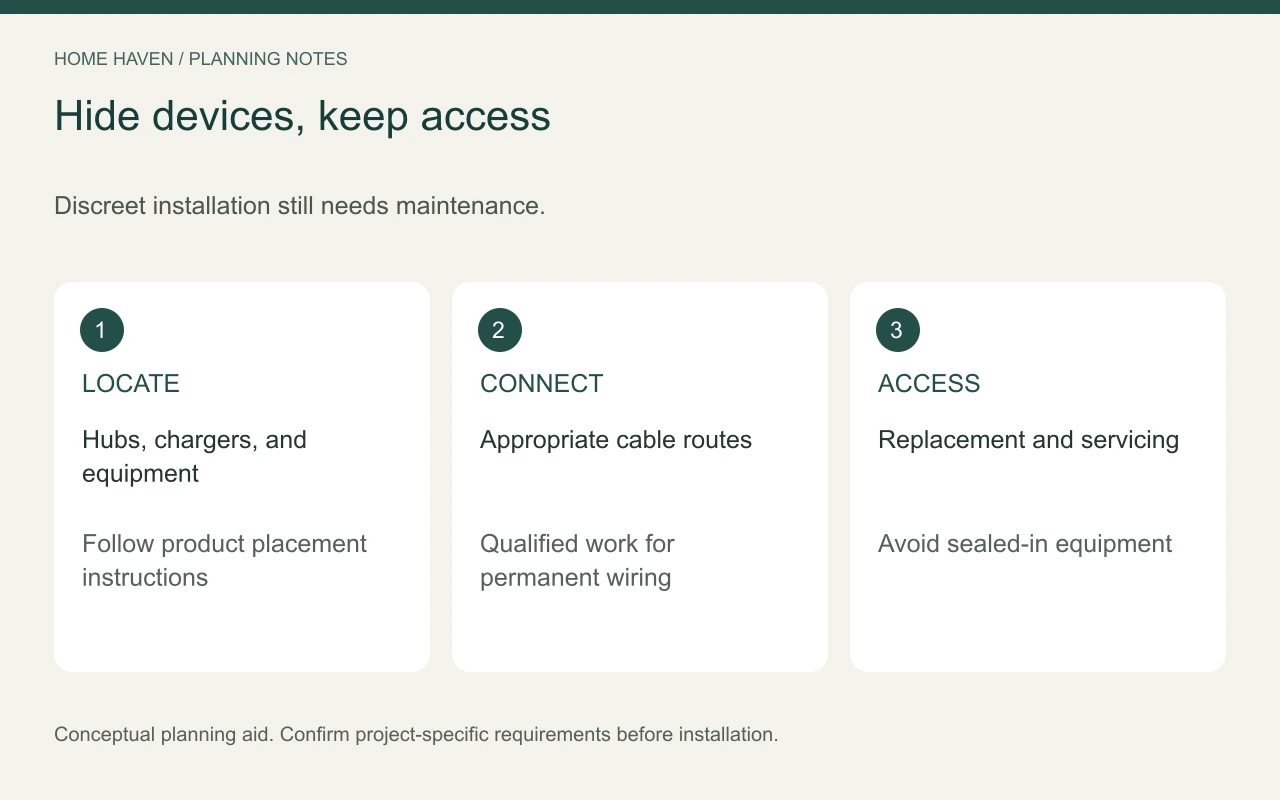
Decide where hubs, chargers, speakers, and other equipment can live. Closed cabinetry may hide them, but verify ventilation, signal needs, manufacturer instructions, and access for maintenance. Do not seal equipment into a custom panel simply to remove it from view.
Include cable routes in the measured plan. Keep cords away from movement paths and locations where furniture can pinch them. Permanent changes and concealed wiring need appropriate professional design and installation.
For smart home interior design, service access is part of the visual plan. A neat room should not require dismantling cabinetry to replace a small device. Document how the equipment can be reached after the project is finished.
Review compatibility before committing
List the functions each product must support and which system controls them. Check the exact model, region, connection method, and supported integrations. Compatibility can depend on details that a general brand comparison overlooks.
Confirm what features require a paid subscription, internet connection, or additional hub. Review ongoing support and update information where available. Avoid promising that a purchase will remain compatible forever.
Start with a small trial when practical. Test one room or function using the household’s real routines. Expand only after the basic setup works and the people using it find it worthwhile.
Treat privacy and security as design choices
Discuss who can access devices and what information the system collects. Decide whether cameras, microphones, or remote access are necessary for the intended purpose. Do not add monitoring features to private rooms by default.
The FTC’s guidance on securing internet-connected home devices provides a practical starting point for reviewing device and network security. Follow current product instructions, use appropriate account protections, and keep supported software up to date.
Keep account ownership and recovery information under the household’s control. Discuss handover arrangements with any installer. A successful installation should not leave routine operation dependent on a former contractor’s personal account.
Integrate shades and climate controls carefully
If automated window treatments are part of the project, verify dimensions, mounting, power, and maintenance needs. Check how they interact with furniture and existing window operation. Do not assume a motorized product fits every opening.
For thermostats or other building-system controls, confirm compatibility with the actual equipment through appropriate professionals. A decorative design brief cannot establish whether a device suits the HVAC system. Review installation, supported functions, and everyday manual operation.
Avoid claiming fixed energy savings from a device without relevant evidence and a defined comparison. Controls can change how a system operates, but results depend on the home, equipment, settings, and use.
Budget for the complete setup
Compare itemized USD quotes for devices, hubs, wiring, installation, subscriptions, configuration, and support. Include the cost of future access and replacement where it is known. A low device price may not represent the cost of the working system.
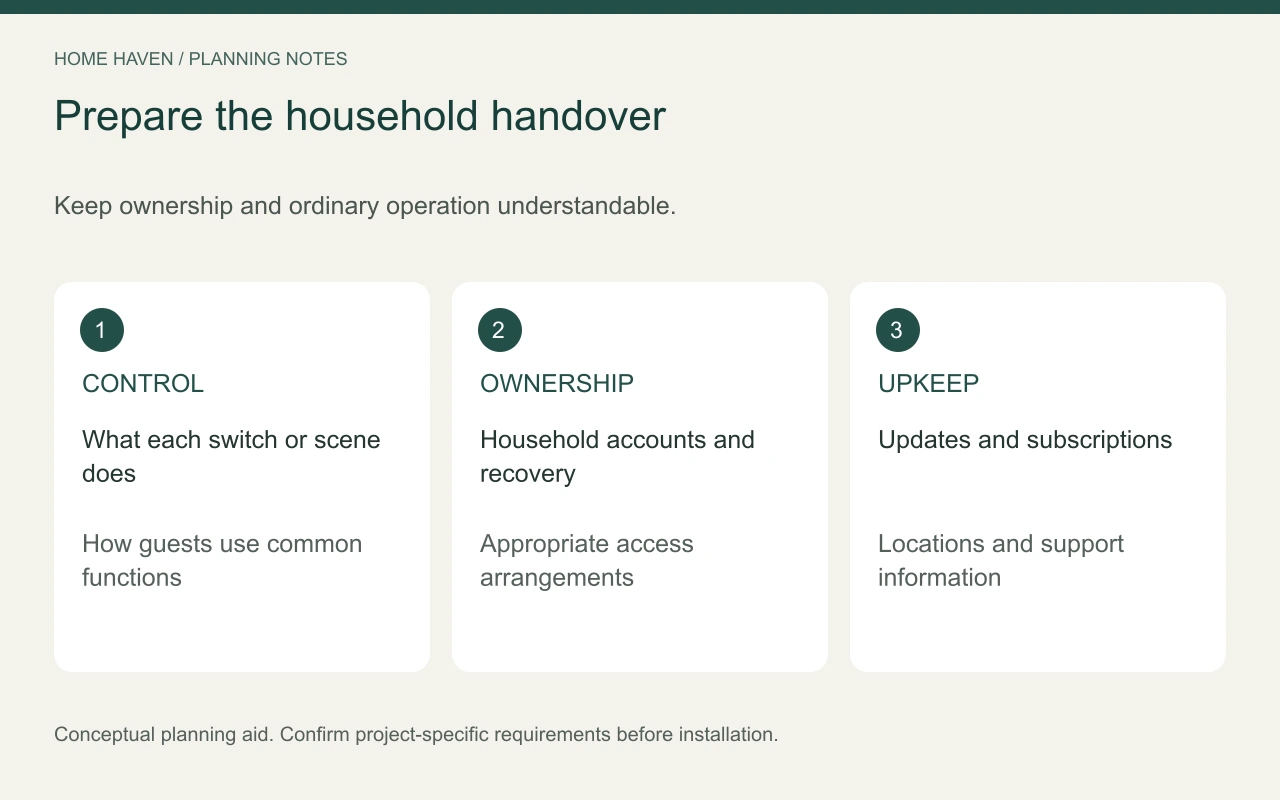
Prepare a short household handover:
- What each control does.
- How guests use common functions.
- Where devices and service access are located.
- Who owns accounts and recovery information.
- Which subscriptions and maintenance tasks continue.
Frequently asked questions
Does a smart home need visible screens everywhere?
No. Many useful functions can use discreet controls or ordinary-looking fixtures. Select an interface because it helps the user, not because it makes the room appear more technological.
Can renters use smart-home products?
Some reversible products may suit a rental, but check the lease, building rules, installation requirements, and removal process. Obtain approval where needed before altering fixed features.
Should every room use the same setup?
Consistency can help, but rooms have different tasks. Keep common interactions understandable while selecting functions appropriate to each space.
Expand only after the routine works
Live with the first installation and note what people actually use. Simplify confusing controls before adding more devices. A comfortable connected home uses technology to support the room rather than making the room revolve around technology.